Questions
Straight answers.
Do I need a card to start?+
No. You get 14 days completely free with no card required. We'll only ask for payment details if you decide to keep going — and the first charge lands after your trial, never before.
Does SlipStack actually post to my accounting system, or just store receipts?+
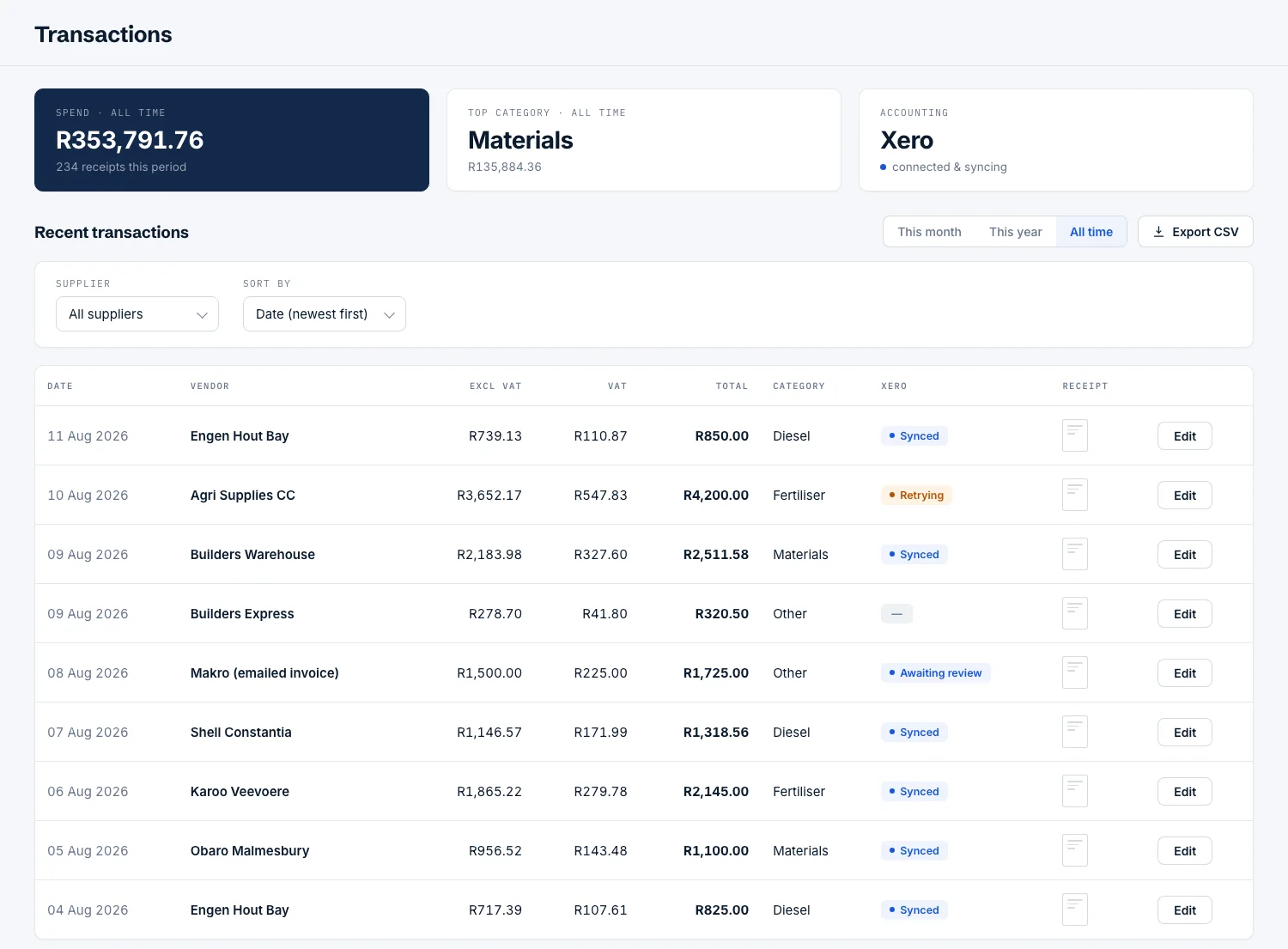
It posts. Many receipt apps just scan and store your slips in their own cloud — you still have to get them into your books. SlipStack posts each confirmed expense straight to Xero or Sage Business Cloud Accounting with the receipt attached, ready to reconcile against your bank feed. And if you don't use accounting software at all, the self-building Google Sheet cost dashboard gives you the full picture on its own.
Who owns my receipts and data?+
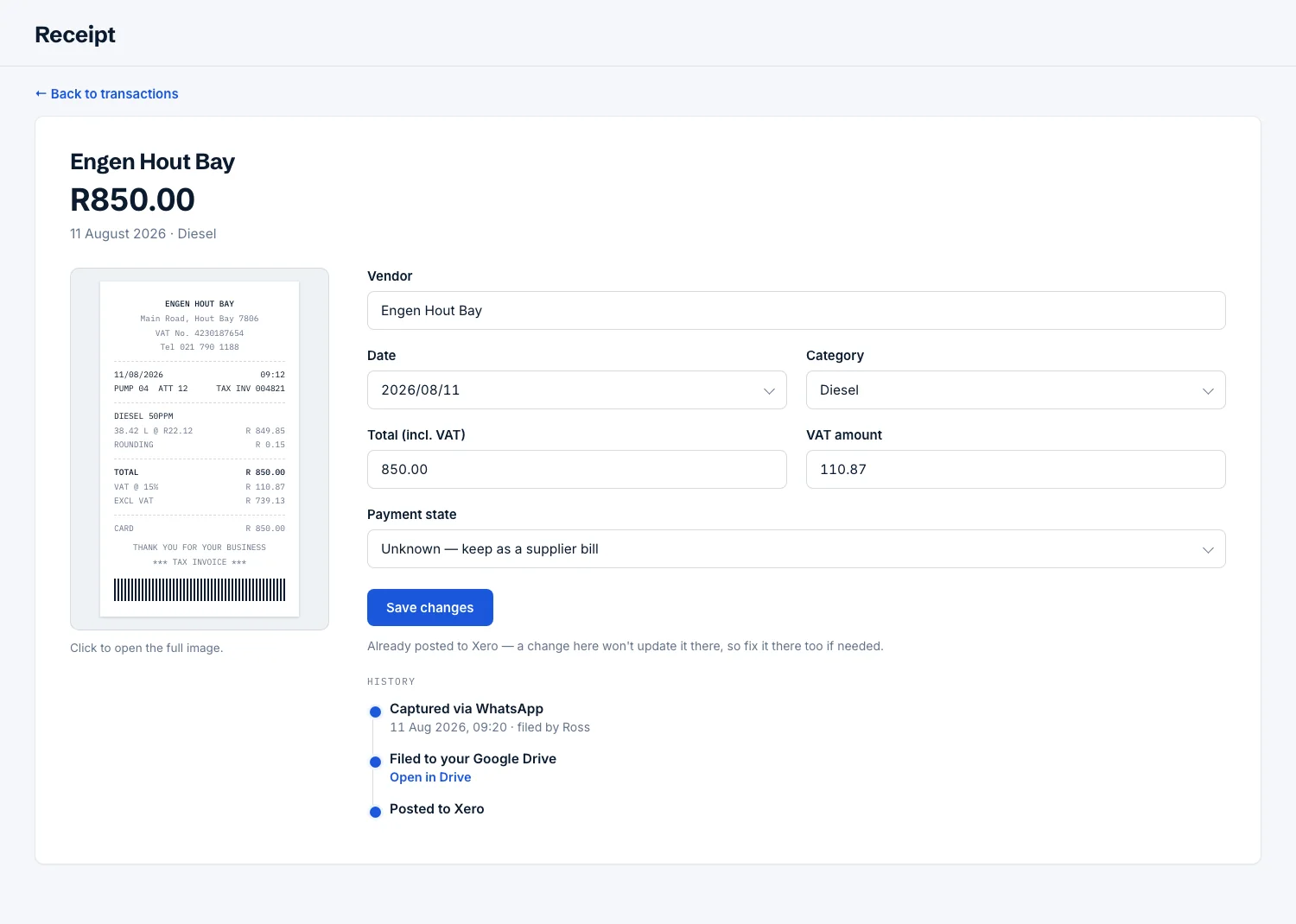
You do. Unlike apps that lock your receipts inside their own cloud, SlipStack files every original to your own Google Drive — sorted by year and month, in an account you control. Your documents stay with you even if you cancel, which keeps you POPIA-friendly by design.
Is it built for VAT?+
Yes. VAT is split out on every receipt and kept as a running claimable total, so at filing time you claim exactly what you're owed. It handles the awkward ones too — a supermarket slip that mixes standard-rated and zero-rated items is posted band by band, off the slip's own printed VAT summary.
Can my staff send receipts too?+
Absolutely. On the Starter, Growth and Team plans you can add team members — a foreman, a co-owner, a driver — each from their own WhatsApp number, all flowing into the same books.
What if I don't use Xero or Sage?+
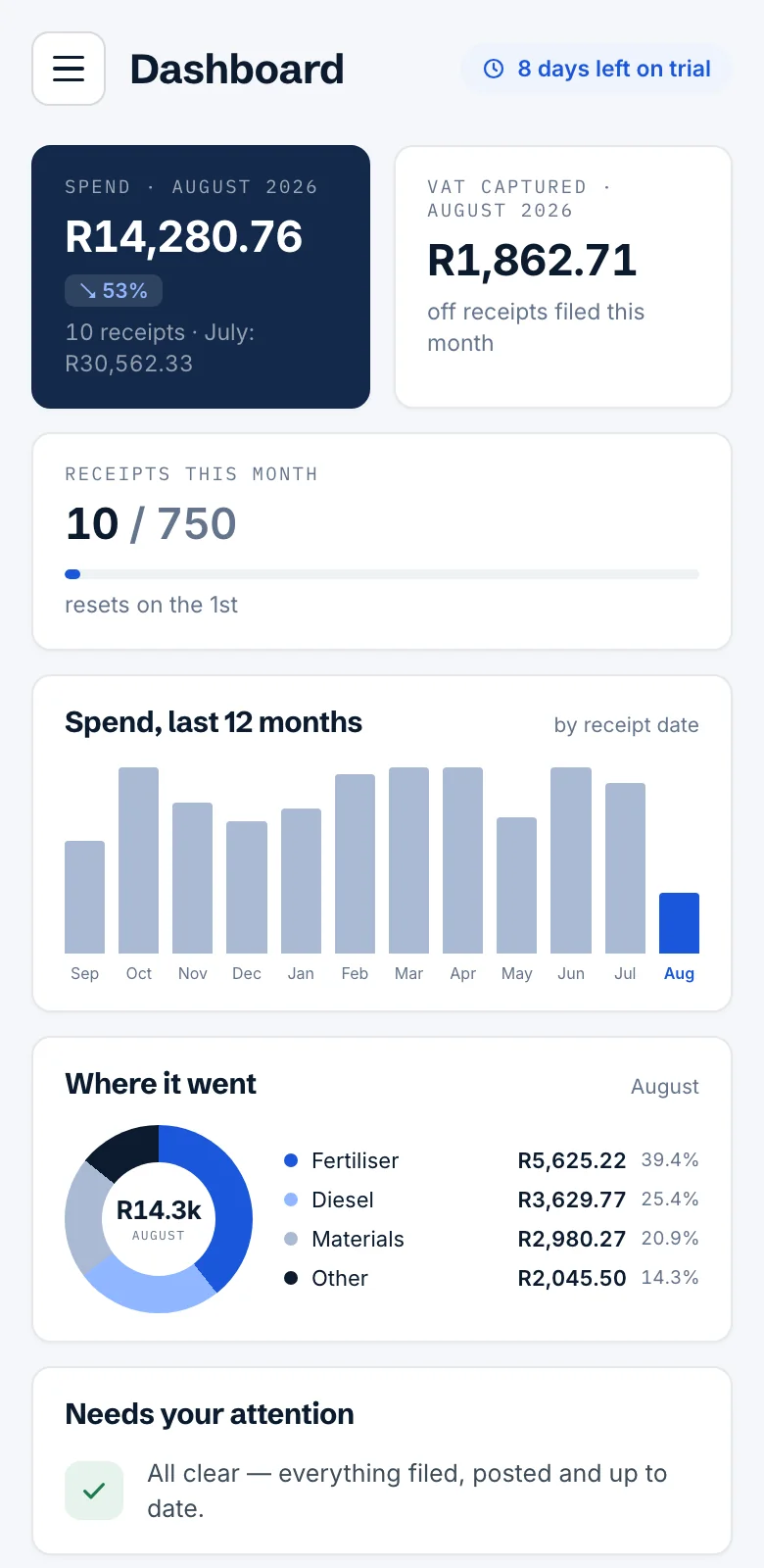
That's completely fine — SlipStack doesn't require accounting software. Every receipt still gets filed to your Drive and builds a live Google Sheet cost dashboard with monthly totals, spend by category and claimable VAT. If you move onto cloud accounting later, connect it then and SlipStack starts posting.
Is VAT added to the price?+
No. The price you see is exactly what you pay — SlipStack (Qelo) is not a VAT vendor, so no VAT is charged on any plan. R299 means R299.
What happens if I reach my monthly receipt cap?+
New receipts pause until the 1st, when your allowance resets — nothing is lost, and your portal shows a usage meter well before you get there. Need more room mid-month? Upgrading takes effect immediately: the bigger allowance switches on the moment you move up, and the new rate is only billed from your next renewal — the rest of this month's extra receipts are on us.
Do unused receipts roll over?+
No — allowances are per calendar month and reset on the 1st. If you keep finishing the month with plenty to spare, you may be on too big a plan; moving down is a quick conversation with support.
What is the AI assistant?+
A WhatsApp assistant that answers questions about your own numbers. Ask "how much did I spend at Makro last month?" or "what can I claim back for VAT?" and it works the answer out from your actual receipts — the figures are calculated from your data, never guessed. Connect Xero or Sage and you can ask about your books too, like "am I making money this year?".
 WhatsApp
 Email
Email Google Drive
 Xero
Xero